Official sourcesEvery alert points back to the issuing agency.
Official safety notices, made personal
Know before
you use it.
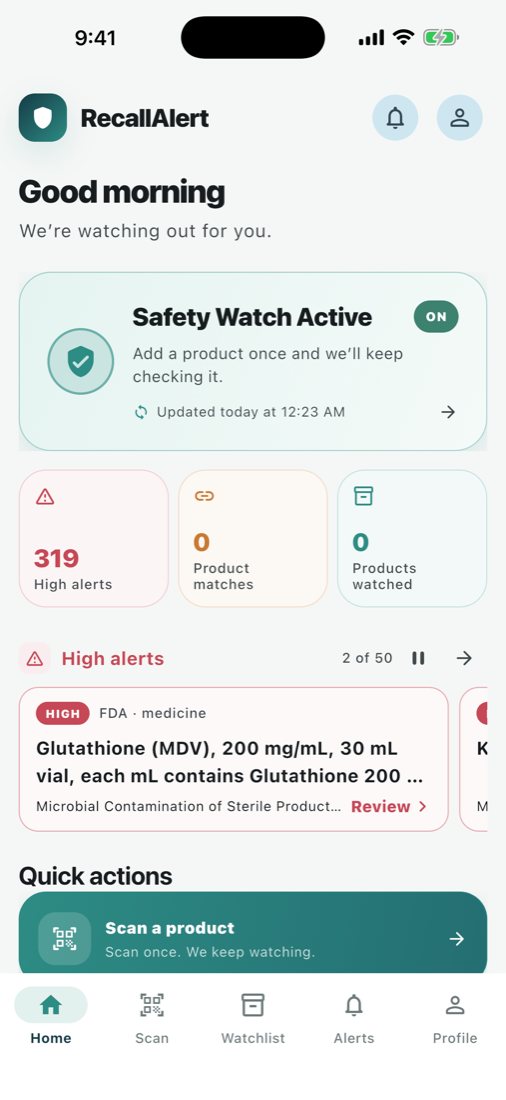
RecallAlert brings verified product recalls into one calm safety watch—then helps you check the things you own.
- FDA
- CPSC
- NHTSA
- Free
- No ads
Private by designAnalytics are off until you choose to enable them.
Ready on Apple devicesDownload for iPhone, iPad, and Apple Watch.
Less searching. More certainty.
A safety habit that takes seconds.
RecallAlert turns long agency notices into a straightforward path from “Is this affected?” to “Here’s what to do next.”
Scan or save it
Add a barcode, product, or vehicle. You only need the details you know.
We keep checking
Your watchlist is compared conservatively with newly published official notices.
Act with confidence
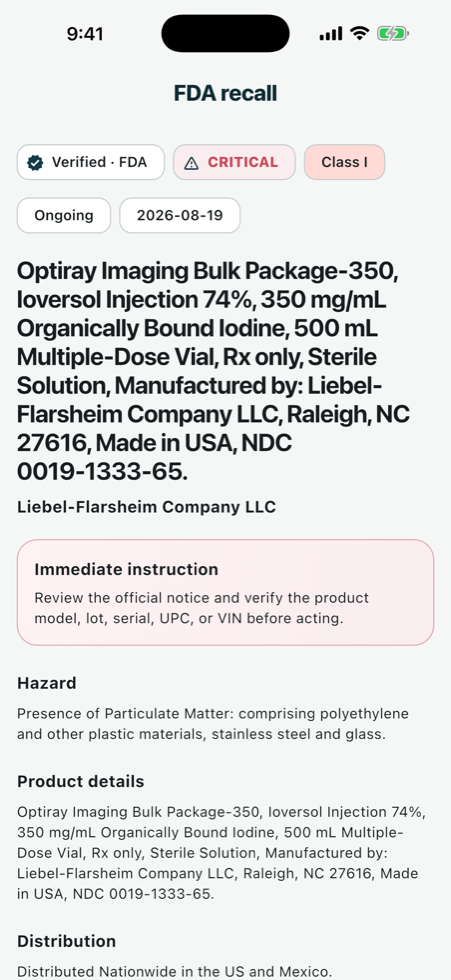
See the hazard, remedy, affected identifiers, and original agency notice together.
Clear when it matters
The signal, without the noise.
Urgent notices rise first. Plain-language context makes every next step easier to understand.
Trust is a feature
Calm by design.
Serious about safety.
RecallAlert summarizes official notices without replacing them. Every recall keeps its source identity and a direct path to the agency’s own guidance.
- High-risk notices are clearly identified
- Matches are labeled confirmed or possible
- Quiet hours never silence the most urgent alerts
- Account deletion is immediate and permanent
Nearby-store privacy
Your precise location never reaches the RecallAlert API.
When you opt into store alerts, Apple’s location and Maps services do the nearby lookup and monitoring on your device.
Safety at a glance
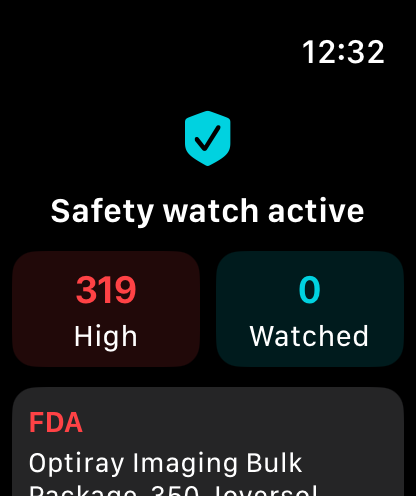
Your watchlist reaches your wrist.
RecallAlert’s Apple Watch companion keeps the highest-priority count and latest synced alerts close without crowding the moment.
iPhoneiPadApple Watch
Available now
Product safety, free on the App Store.
Browse official recalls, scan products, check vehicles, save a focused watchlist, and receive critical alerts. No subscription is required in this release.

RecallAlert: Product Safety
Official recalls. Clear next steps.
Version 0.10.0 is available for iPhone and iPad, with an Apple Watch companion.
Verified at the source
One place. Official agencies.
RecallAlert currently brings together stored and live safety notices from the agencies below, with the original source retained on every record.
Enforcement reports and safety recalls from the U.S. Food and Drug Administration.
Safety recalls covering children’s products, appliances, electronics, and household goods.
Year, make, model, and VIN-based recall lookups with urgent driving warnings surfaced first.
RecallAlert is an independent service and is not affiliated with or endorsed by these agencies. Always verify urgent concerns with the issuing agency or an authorized professional.
Good questions
What people ask first.
Does RecallAlert replace an official agency notice?
No. RecallAlert makes notices easier to find and understand, then links you to the issuing agency for the authoritative details.
How are product matches handled?
Conservatively. An identifier present in official recall text can be confirmed; name or model similarities are presented as possible matches for review.
Do I need an account?
No. Guest mode keeps saved products on the device. An account adds synchronization across supported devices.
Can I control light and dark mode?
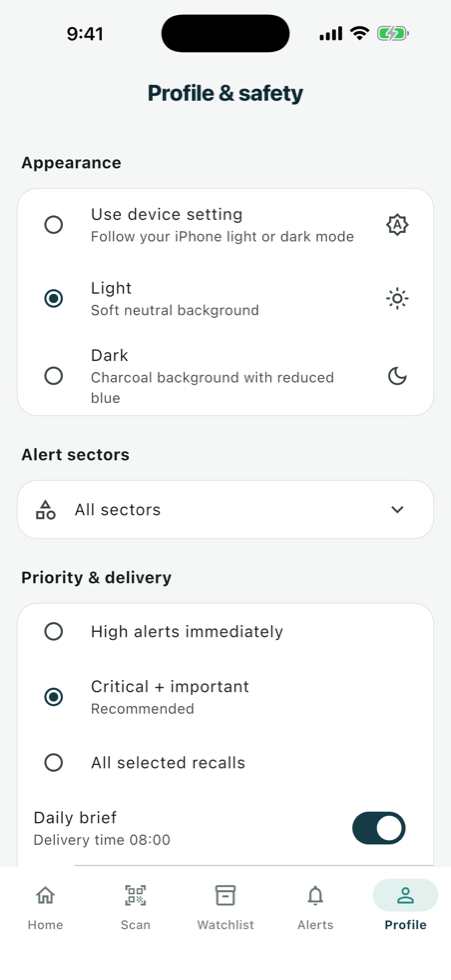
Yes. Choose the device setting, light mode, or dark mode in Profile & safety.
A clearer way to stay safe